 Subscription:
Instance Details
Learn about Instance Details in Operator mode
Discover and examine your Kubernetes clusters and cloud native infrastructure using Operator mode.
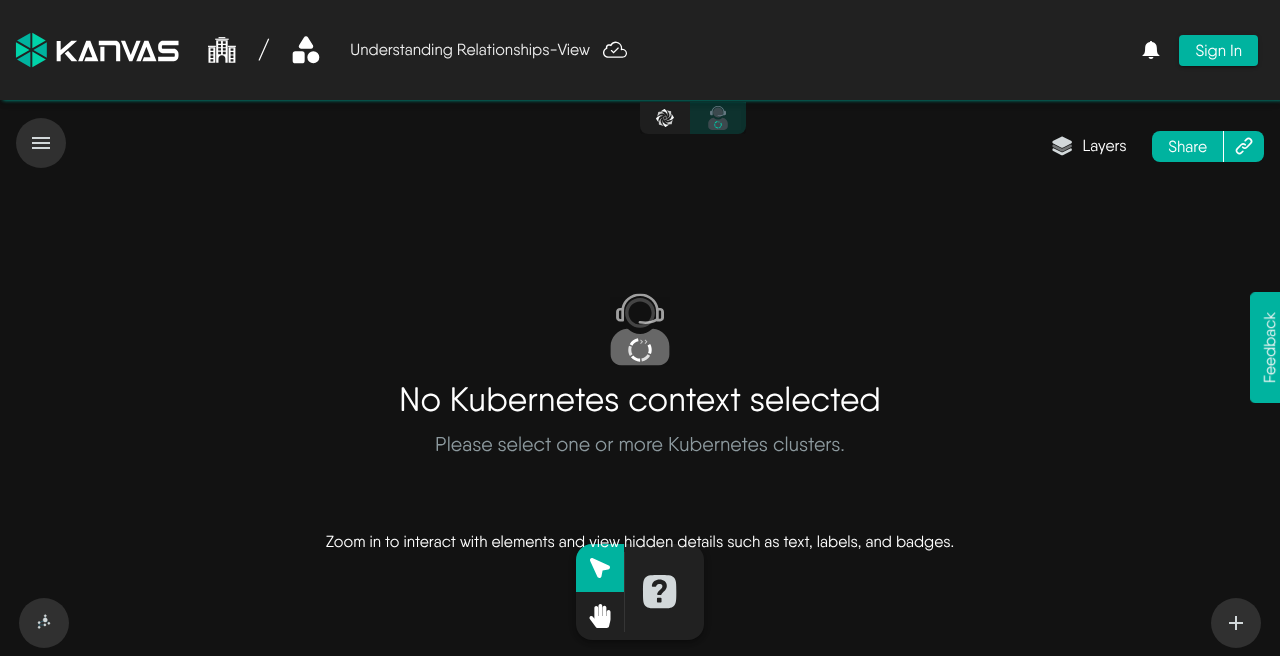
Use filters to select the Kubernetes resources you want to view. Apply one or more filters — for example by namespace, kind, model, or label — to narrow the topology to the resources that matter. Combine filters to focus on a subset of your cluster without leaving Operator.
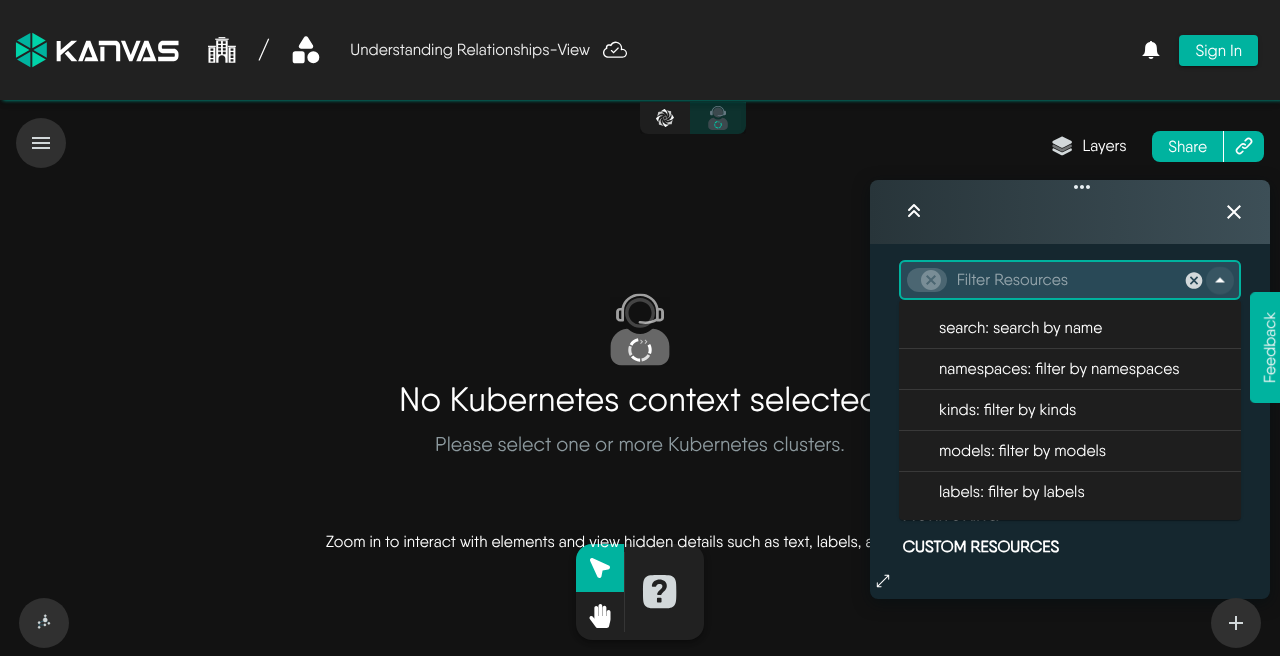
The search filter keeps resource names that contain the text. Search narrows what is drawn and does not select anything. Selecting a resource opens the Details panel. A new, empty view shows Nodes and Namespaces across the clusters you select. A design’s view is named <design>-View and filters on the design.meshery.io/id label. Every filter change refetches the snapshot and autosaves the open view. Operator draws a snapshot each time you load a view, change a filter, or change clusters.
Operator supports connecting to Kubernetes pods via the following methods.
Learn about Instance Details in Operator mode
Learn about Views in Operator mode
Measure the behavior of a running service from the Operator canvas, using saved performance profiles.
Learn about Interactive Terminal in Operator mode
Learn about Log Streaming in Operator mode
